Skip to content
(787)-476-7950 Hormigueros, PR 00660

Mon – Fri 7:00 am – 5:00 pm OPEN Saturday-Sunday CLOSED

IT Services · 13 services

Backup & Disaster Recovery

Backups of servers, workstations and business data to an on-site NAS and secure cloud storage, with tools such as Veeam and QNAP, restore tests and a recovery plan.

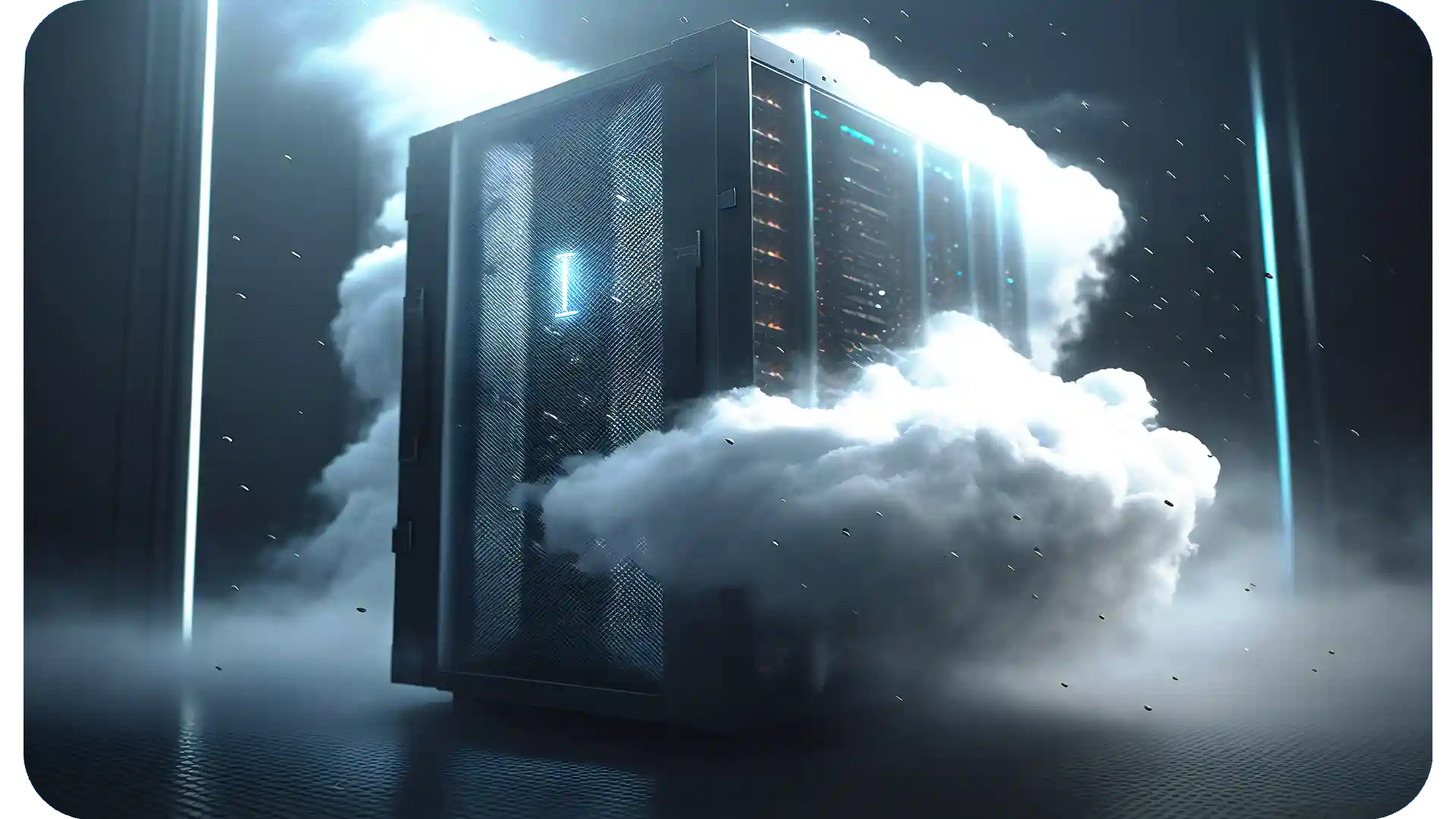
Server cabinet surrounded by a cloud, representing cloud and virtual servers
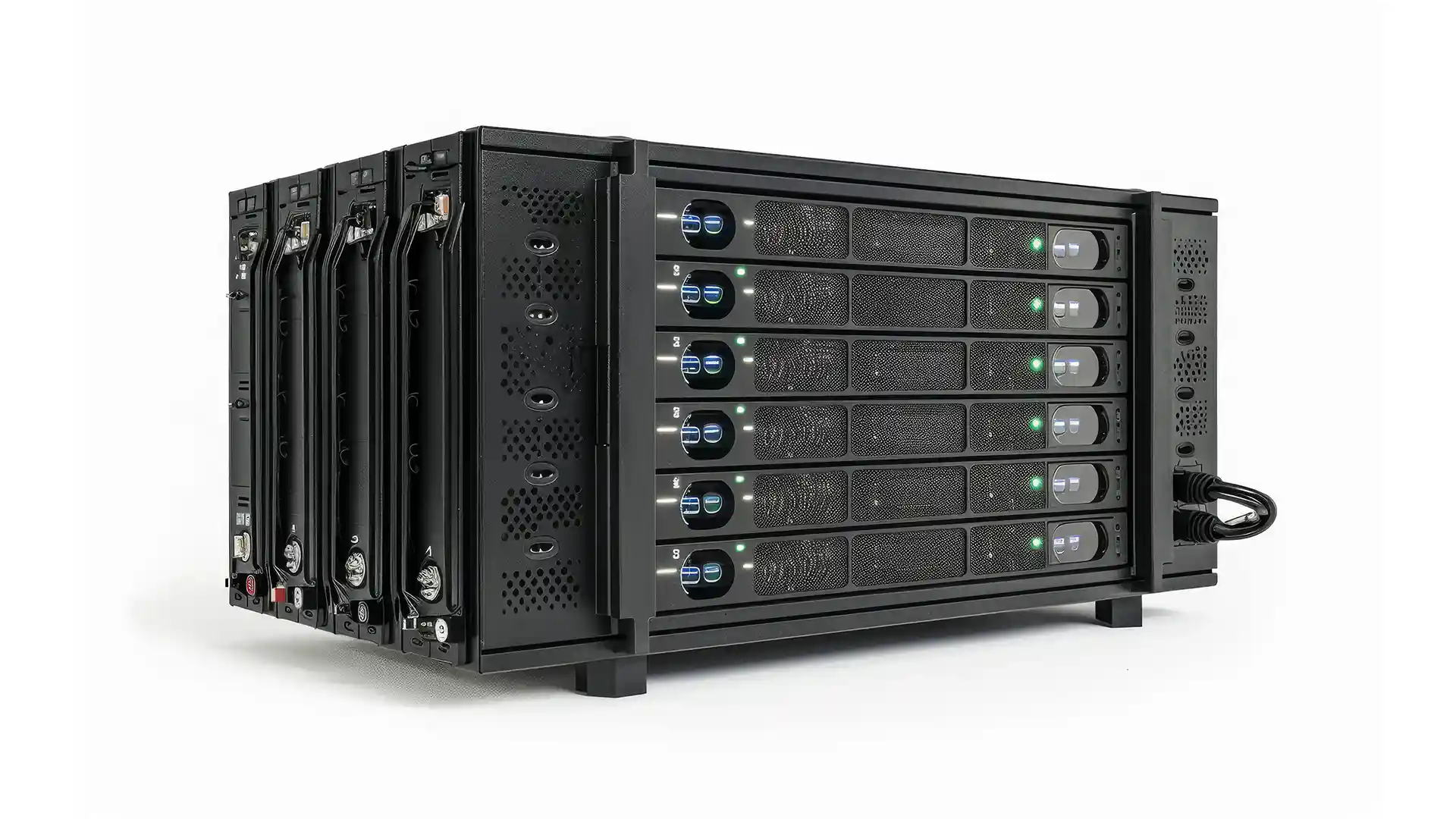
Rack-mount storage enclosure with six stacked drive bays and status lights

GlobalTech Corp. sets up backups of a business's servers, workstations and shared data to two places, a NAS on the premises and secure cloud storage away from them, and plans how each system is brought back after a failure. The company has over 25 years of experience in IT and cybersecurity.

What the service covers

  • Servers. Physical servers and VMware virtual machines, backed up as complete systems, with Veeam software where it fits. That copy can rebuild a failed server or give back a single lost file.
  • Workstations and shared data. Computers that hold work nobody could recreate, file shares, and the data of business applications.
  • A local copy on a NAS. A NAS in the office or server room, such as a QNAP unit, receives the backups over the local network, so large restores run at local network speed.
  • A secure cloud copy. A second copy is kept outside the building, out of reach of a theft, flood or fire that damages the office.

Restore tests and the recovery plan

A backup proves itself only when data comes back from it. Restore tests bring back sample files and, at planned intervals, a complete server onto spare hardware or a virtual machine, then check that the data opens and the applications start. The time a full restore takes is the real measure of how long a recovery will last.

The plan sets, for each system, how often it is backed up and how it comes back, based on how much recent work and how much downtime the business can accept. It then records the order in which systems return, the copy each one comes from and who to call.

Ransomware and protected copies

Ransomware attacks often aim at the backups too, so the backup storage and console sit behind their own accounts, separate from the ones people use every day, with multi-factor authentication wherever the system offers it. Where the storage supports it, recent copies can be locked against change or deletion for a set number of days, and it is safer not to save the credentials for the cloud copy on office computers. GlobalTech also has experience in ransomware recovery and incident response, and a clean copy is what allows systems to be restored once an attack is contained.

Where it fits with other services

The local copy lands on network attached storage (NAS) sized for the data and its restore points. When a server is replaced, or its workload moves to a VMware virtual server, its backup job and its place in the plan change with it. An APC UPS on the server, the NAS and their switch carries them through a short outage and, with shutdown software configured, powers them off in order during a long one, before the battery runs out. Once the backups are running, GlobalTech's managed IT services can review the backup reports, mostly through remote IT support, and periodically repeat the restore tests.

Frequently Asked Questions

Can a business skip the NAS and back up only to the cloud?

It can, when the data is small and the internet connection is fast enough to bring it back in an acceptable time. For a whole server, a download from the cloud is usually much slower than a restore from a NAS on the local network. The two copies cover different failures: the NAS a deleted folder or a dead server, the cloud copy the loss of the building itself, NAS included.

Which backup software and equipment does the service use?

GlobalTech works with Veeam backup software, QNAP NAS units and APC UPS units. A backup setup that is already in place is reviewed first; software or equipment that still does the job can stay and be included in the same recovery plan. Whatever cloud storage holds the off-site copy, find out who can delete a copy there and for how long a deleted copy can still be recovered.

How long does the service keep backups?

That is decided for each system when the service is designed. A common pattern keeps frequent restore points for a few weeks and fewer monthly or yearly copies for longer, so a problem found late can still be undone. Tax, health or contract rules may require some records to be kept for a minimum time; check the rule that applies to your records and set retention with it in mind.

Do backups help with HIPAA or CMMC requirements?

Backups with tested restores form part of the technical controls that GlobalTech covers when it supports HIPAA, NIST and CMMC readiness, and the records of restore tests can help show that the control works. What a rule requires depends on the organization and its data, so read the official text of the rule that applies to you. GlobalTech is not an assessor or auditor, issues no certification and gives no legal advice.

Can a server run from its backup while the original is repaired?

A VMware virtual machine backed up with Veeam can be started on a working host directly from the backup storage while the original is repaired, then moved back to production storage. That shortens the time the server is down. A physical server returns by restoring its backup onto working hardware or, where the backup software supports it, by starting the backup as a virtual machine; the recovery plan should state, for each server, which way it returns and how long that takes.

Backup & Disaster Recovery